

![[Valentine’s Day] Thick Fitted Sheet Mattress Pad, Fluffy Pillow Top Comfort Layer, Cooling & Soft Mattress Cover with Deep Pockets (Fits 6–18 Inch Mattresses), Ideal for Bedroom & Home Use](https://buyjuy.com/wp-content/uploads/2026/01/2_5dee6f529a504b838ed3be7d4b069ec8tplv-fhlh96nyum-resize-jpeg_800_800-300x300.png)




Very Important Tips Before Purchasing. Wireless CarPlay / Android Auto Adapter – Important Compatibility Information
Vehicle Compatibility Requirement
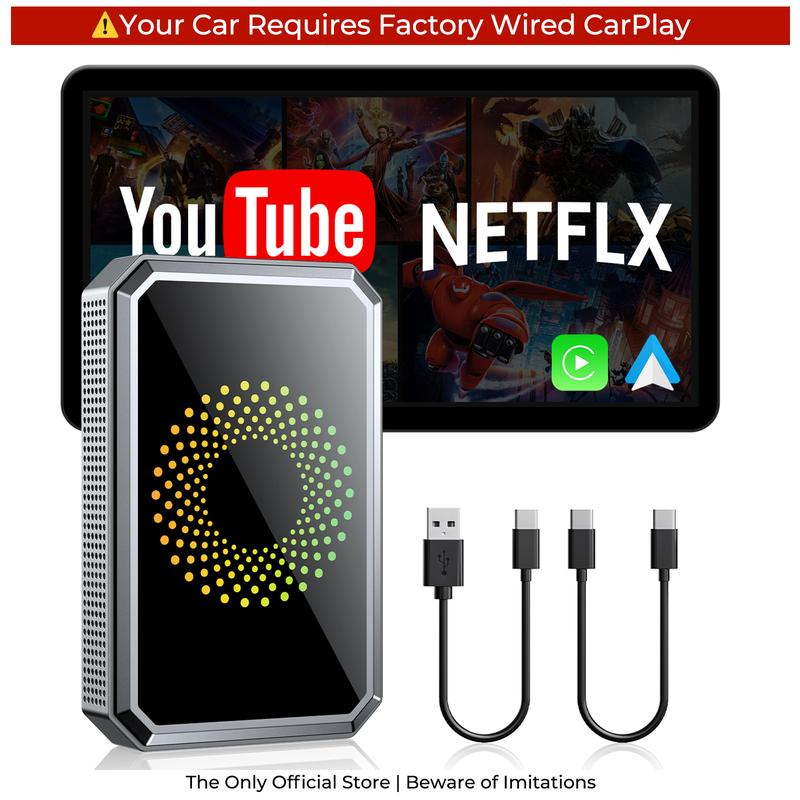
This adapter works only with vehicles that have factory-installed wired CarPlay or wired Android Auto.
Please note that the HDMI port on this device is a Mini HDMI port.(Diameter = 1.1 cm/0.43 inches)(Not recommended, high compatibility requirements)
Not compatible with cars that:
Lack original wired CarPlay/Android Auto
Only support Bluetooth mirroring
Use aftermarket screens or infotainment boxes
Please verify your vehicle’s system before purchase.
If you’re unsure about compatibility, please consult our customer service before purchasing.
Mode Selection (CarPlay vs. Android Auto)
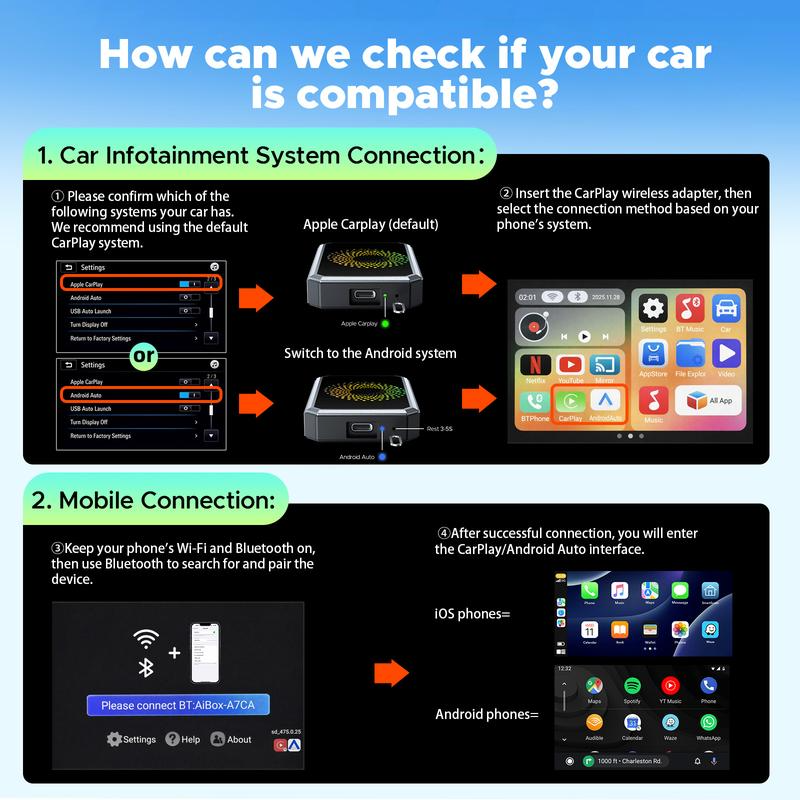
The adapter has two operation modes:
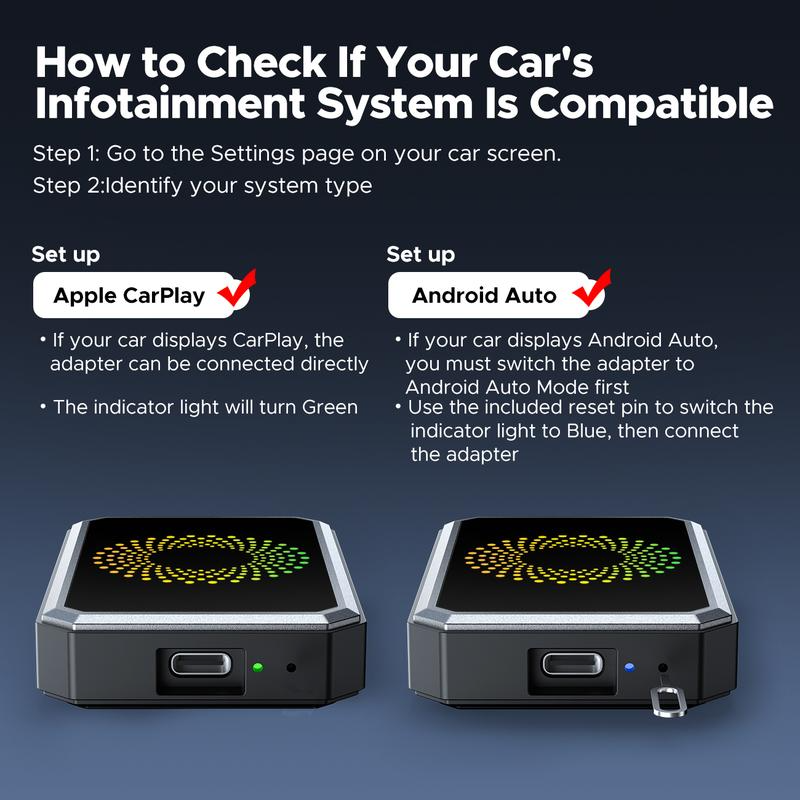
CarPlay Mode – Default mode for vehicles with wired CarPlay
Android Auto Mode – Must be manually activated using the included pin for vehicles with wired Android Auto only
For vehicles supporting both CarPlay and Android Auto, select the mode matching your vehicle system.
Mode switching instructions are included in the package and illustrated in the user manual.
Connection Instructions:
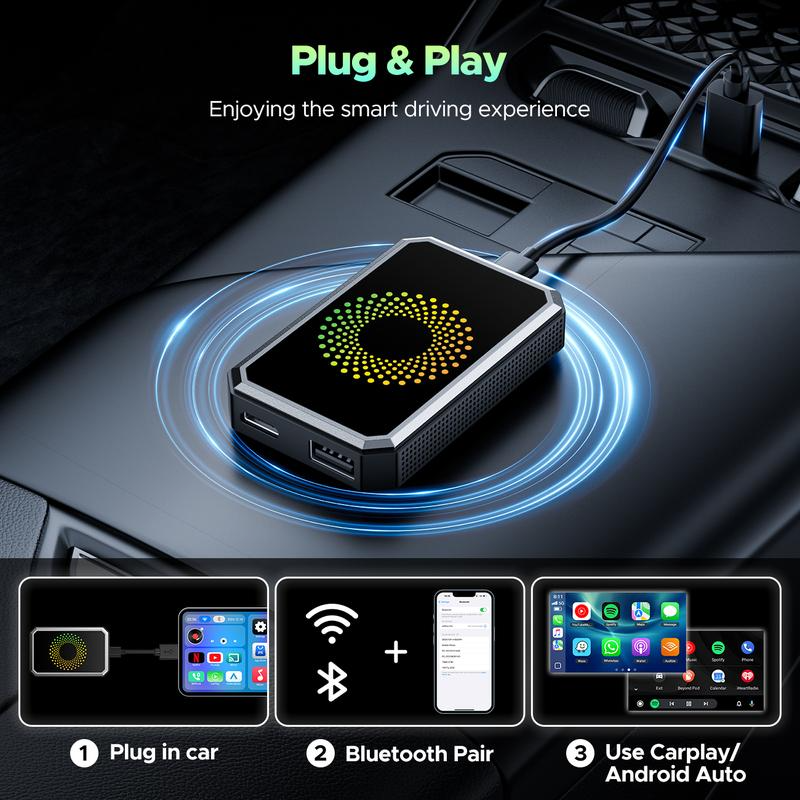
 Step 1: Connect the product to your car using the data cable. The green light on the product will turn on.
Step 2: If your car Only supports Android Auto and the indicator light is green, use the included pin to insert the reset button for 3 seconds until the light turns blue. Cars that support CarPlay do not require any action.
Green light = CarPlay, Blue light = Android Auto
Step 3: Turn on Bluetooth and Wi-Fi on your phone. Select the corresponding icon on the screen (select the system that corresponds to your phone). Then find the device in your phone’s Bluetooth list and pair it.
Reminder: Please ensure your vehicle supports Wired CarPlay.
Wireless Operation Note
Wireless connection is based on Wi-Fi transmission, not a wired connection.
Minor latency (1–3 seconds), occasional stutter, or temporary signal fluctuation may occur under normal conditions.
To optimize performance:
Keep your phone near the adapter/USB port
Use 5GHz Wi-Fi if available
Avoid high-interference environments
These behaviors are normal for all wireless CarPlay/Android Auto adapters and do not indicate a product defect.
Built-In Video Apps
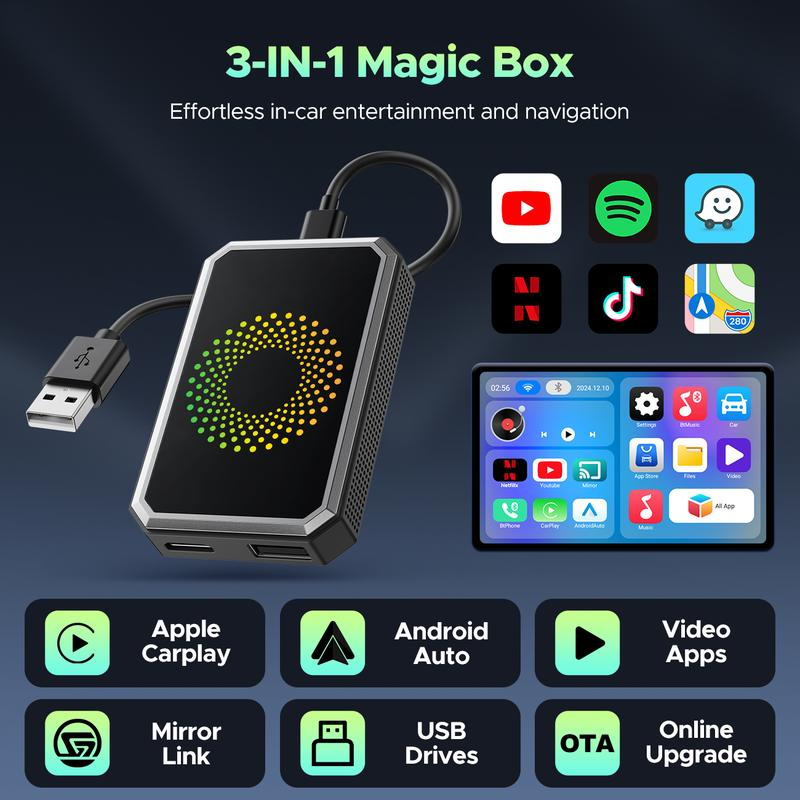
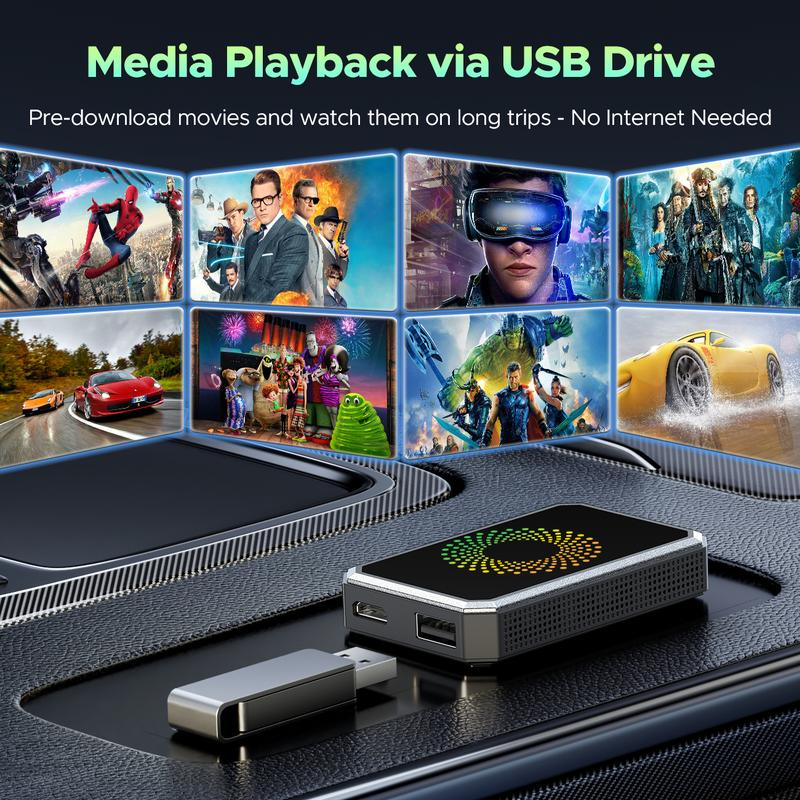
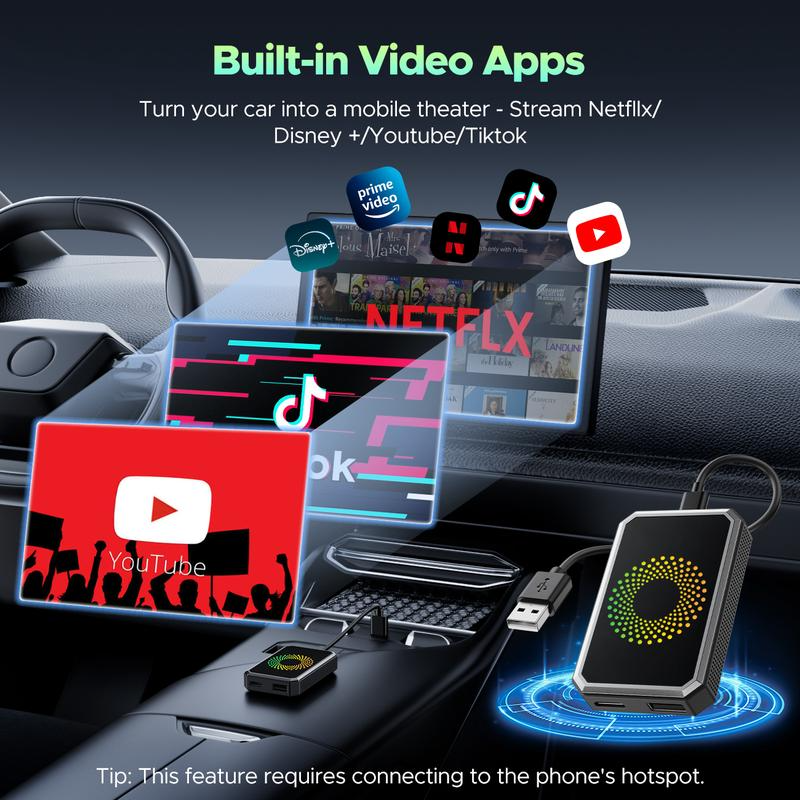
The adapter includes a closed Android system that supports YouTube, Netflix, and other compatible video applications.
These apps are only available after the adapter is successfully connected to your car system via CarPlay/Android Auto.
Easy Steps for Setup
Verify your vehicle supports wired CarPlay or wired Android Auto.
If needed, switch the adapter to the correct mode using the included pin.
Plug the adapter into the car’s USB port.
Connect your phone wirelessly via CarPlay or Android Auto.
Access navigation, music, calls, and built-in video apps.
Customer Support & Guidance
Detailed instructions and troubleshooting tips are included in the user manual.
Our customer support team is available to assist with compatibility verification, mode selection, and wireless connection optimization.
Following these instructions ensures proper operation and minimizes connectivity issues.
Incompatible phones: Samsung, Huawei, Xiaomi
Incompatible vehicle models:
Volkswagen Passat (with audio system), Volkswagen Touran (2016 model), Volkswagen Golf 8/8.5, Audi A7, Mercedes-Benz W222S-Class, Fiat Ducato (2024 model), Ford Transit Custom (2019 model), Mercedes-Benz CLA (2016 model), BMW, Tesla.
What’s in the box?
 Outer packaging box:(L)4.72×(W)×3.66(H)0.91 inches
Outer packaging box:(L)12×(W)×9.3(H)2.3 cm
Weight:4.16 ounce
Weight:118 g
LAMTTO adapter*1
Type-C Cable*1
USB-Type-C Cable*1
Eject Tool*1
User Mannual*1


Reviews
There are no reviews yet.